Troubleshooting problems with your HPLC guard column involves identifying the source of the issue and implementing corrective measures. Here’s a step-by-step guide to effectively troubleshoot guard column problems:
1.Identify the Symptom:
Start by clearly defining the problem you’re experiencing. Are you observing peak broadening, reduced sensitivity, increased backpressure, or inconsistent retention times? Understanding the specific symptom will narrow down the possible causes.
2.Inspect the Guard Column:
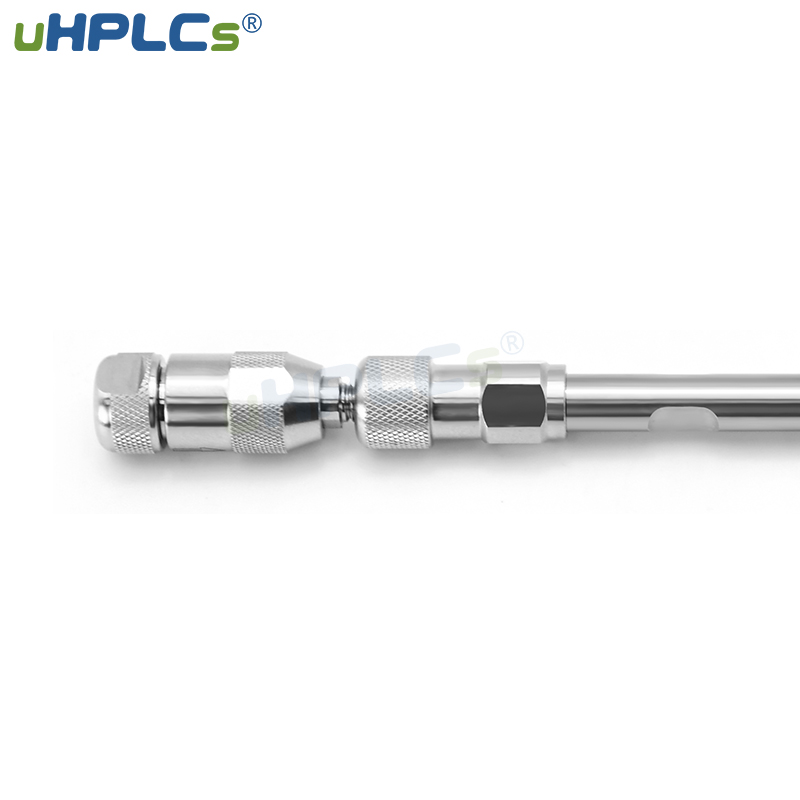
Visually inspect the guard column for any physical damage, cracks, or leaks. Check the frits at both ends of the column to ensure they are clean and free of particulates. If necessary, replace the guard column with a new one.
3.Check the Sample Preparation:
Examine the sample preparation procedure to ensure proper filtering and removal of particulates. Consider using additional filtration steps or adopting different sample preparation techniques to minimize impurities.
4.Verify Mobile Phase Compatibility:
Ensure that the mobile phase is compatible with the guard column’s stationary phase. Consult the column specifications and avoid using mobile phases that could cause swelling or irreversible modification of the stationary phase.
5.Check for System Contamination:
Inspect the entire HPLC system for potential sources of contamination, including the injector, pump lines, and detector cell. Flush the system with appropriate solvents to remove any accumulated impurities.
6.Evaluate Flow Rate and Pressure:
Verify that the flow rate and pressure settings are within the recommended range for the guard column. Excessive flow rates or pressures can damage the guard column and affect its performance.
7.Monitor Backpressure:
Regularly monitor the backpressure as you run samples. A sudden increase in backpressure could indicate blockage or contamination in the guard column, requiring replacement.
8.Consider Regenerating the Guard Column:
Depending on the type of guard column and the nature of the contamination, in-situ regeneration may be possible. Consult the column manufacturer’s instructions for specific regeneration procedures.
9.Seek Expert Assistance:
If the problem persists or you require further guidance, consult with an HPLC expert or the column manufacturer. They can provide in-depth troubleshooting support and tailored solutions based on your specific HPLC system and application.
Remember, preventive measures are often more effective than troubleshooting. Regularly replacing guard columns according to the manufacturer’s recommendations, maintaining proper sample preparation techniques, and ensuring system cleanliness can minimize guard column problems and enhance the long-term performance of your HPLC system.